Free checklist · PDF
Product feed health checklist
A checklist for importing and maintaining product data feeds, with Google Merchant Center limits.
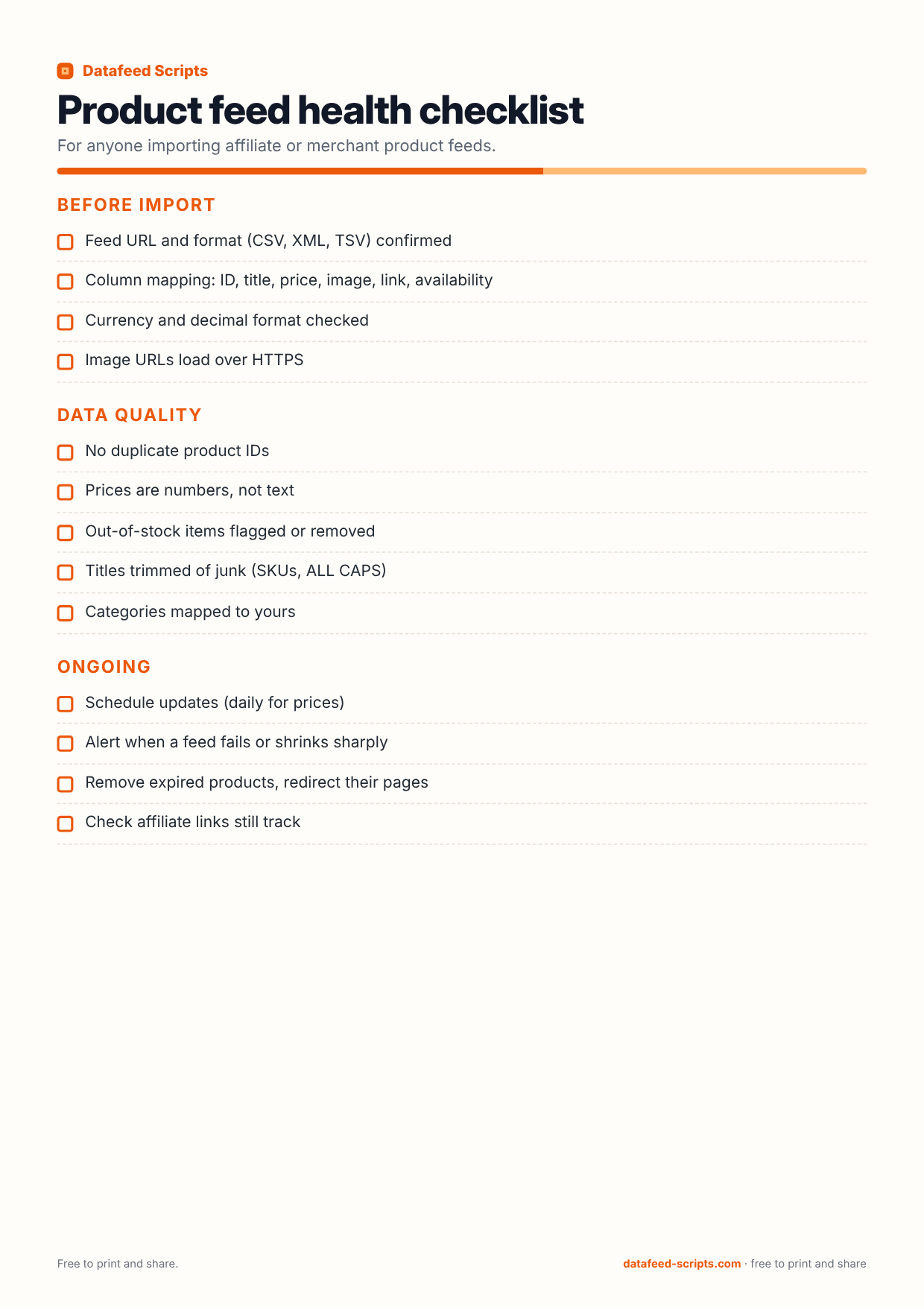
1 page, US Letter size, 50 KB. Free, no sign-up.
Sources: Google Merchant Center product data specification (support.google.com/merchants). Checked October 2026.
You can tick the boxes and type into this PDF on a computer or phone, then save or print it.
Share it
PinterestFacebookWhatsAppEmail
Printing tips
- Print at actual size (100%), not "fit to page", so the lines stay a usable size.
- It is laid out for US Letter paper and also fits A4.
- Turn on "background graphics" if the colors come out pale.
What is on this checklist
Before import
- Feed URL and format (CSV, TSV or XML) confirmed
- Column mapping: ID, title, description, link, image link, availability, price
- Currency and decimal format checked
- Image URLs load over HTTPS
Google Merchant Center limits
- Every product has id, title, description, link, image_link, availability and price
- Brand set for new products
- ID up to 50 characters, title up to 150, description up to 5,000
- Images at least 500 x 500 pixels (Google enforces this from 31 January 2027)
- Availability is one of in_stock, out_of_stock, preorder or backorder
Data quality
- No duplicate product IDs
- Prices are numbers, not text
- Out-of-stock items flagged or removed
- Titles cleaned of junk: SKUs, ALL CAPS, repeated words
- Categories mapped to yours
Ongoing
- Update prices at least daily
- Alert when a feed fails or shrinks sharply
- Remove expired products and redirect their pages
- Check affiliate links still track